
Your computer will need to be connected to the internet. You can connect to Pro Law and access the network drives on your office laptop computer and conduct work by starting Control One and use your apps on the laptop.
1. Make sure you are connected to the Internet either at your home or any public WiFi!
2. Launch the Control One Agent from the desktop of your computer.

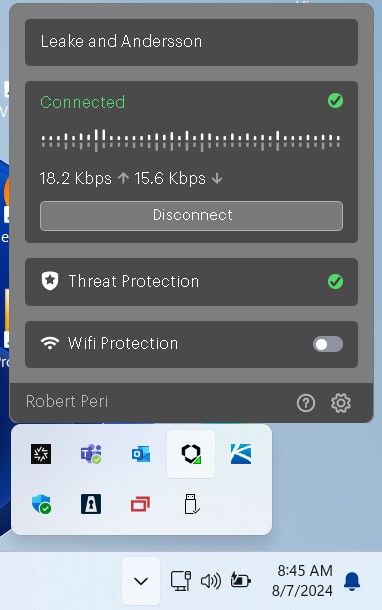
3. If control One is already running, you will see the following window, which means you are connected to L&A network.

4. When you are connected and signed into Control One you will see the below status.
Please contact Robert Peri at 504-677-4606 if you have any issues.